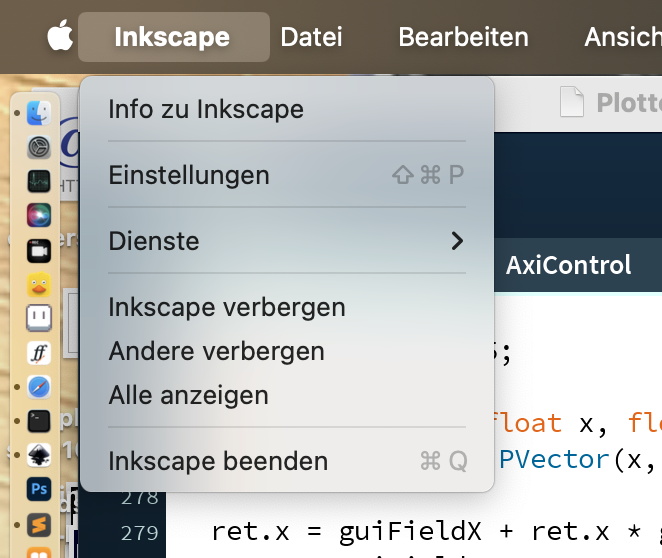
Launch Inkscape, and select Edit > Preferences from the menu, and then select the System entry. That should list the location of your User extensions directory.
Bildlicher
Der Pfad: UserExtensions
Launch Inkscape, and select Edit > Preferences from the menu, and then select the System entry. That should list the location of your User extensions directory.
Bildlicher
Der Pfad: UserExtensions
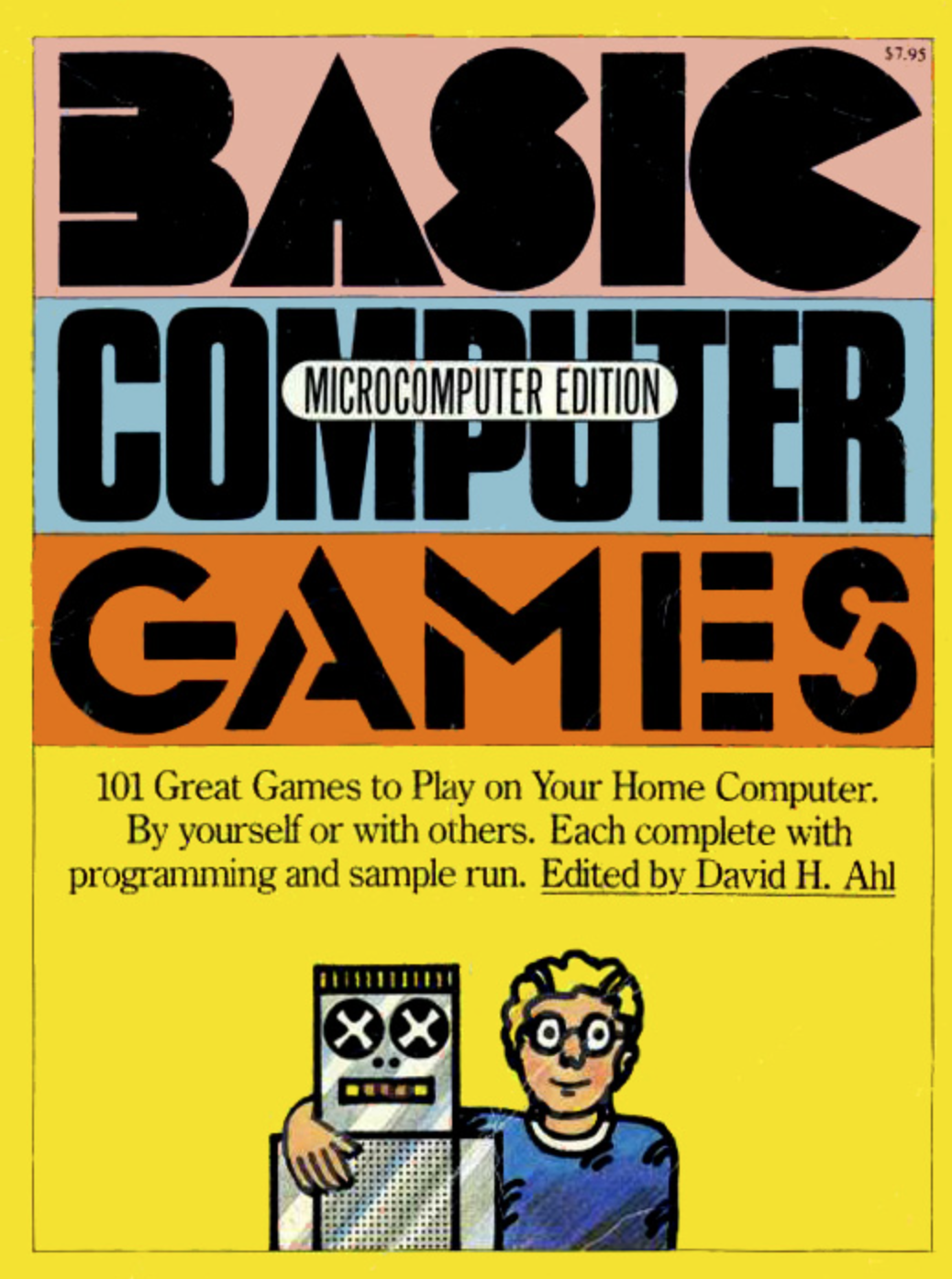
Ein Buch mit 101 unterschiedlichsten Beschäftigungen und Unterhaltung mit Games. Mehr dazu auf Wikipedia >
Selbstverständlich handelt es sich dabei um Computergames, die mehrheitlich per TeleType-Displays (Schreibmaschinendisplays) gespielt wurden oder eben auf einfachen selbstgebastelten Computern. Es sind also mehrheitlich Spiele, die per INPUT + RETURN funktionieren. Es sind eigentliche Stop&Go-Spiele. Mehr dazu hier „Von der Turnbased-Input-Informatik (Stop&Go) zur/und Optionalen-Input-Informatik (und die Auswirkungen auf Games) [Diskussion]“
Hiloko Kato, René Bauer
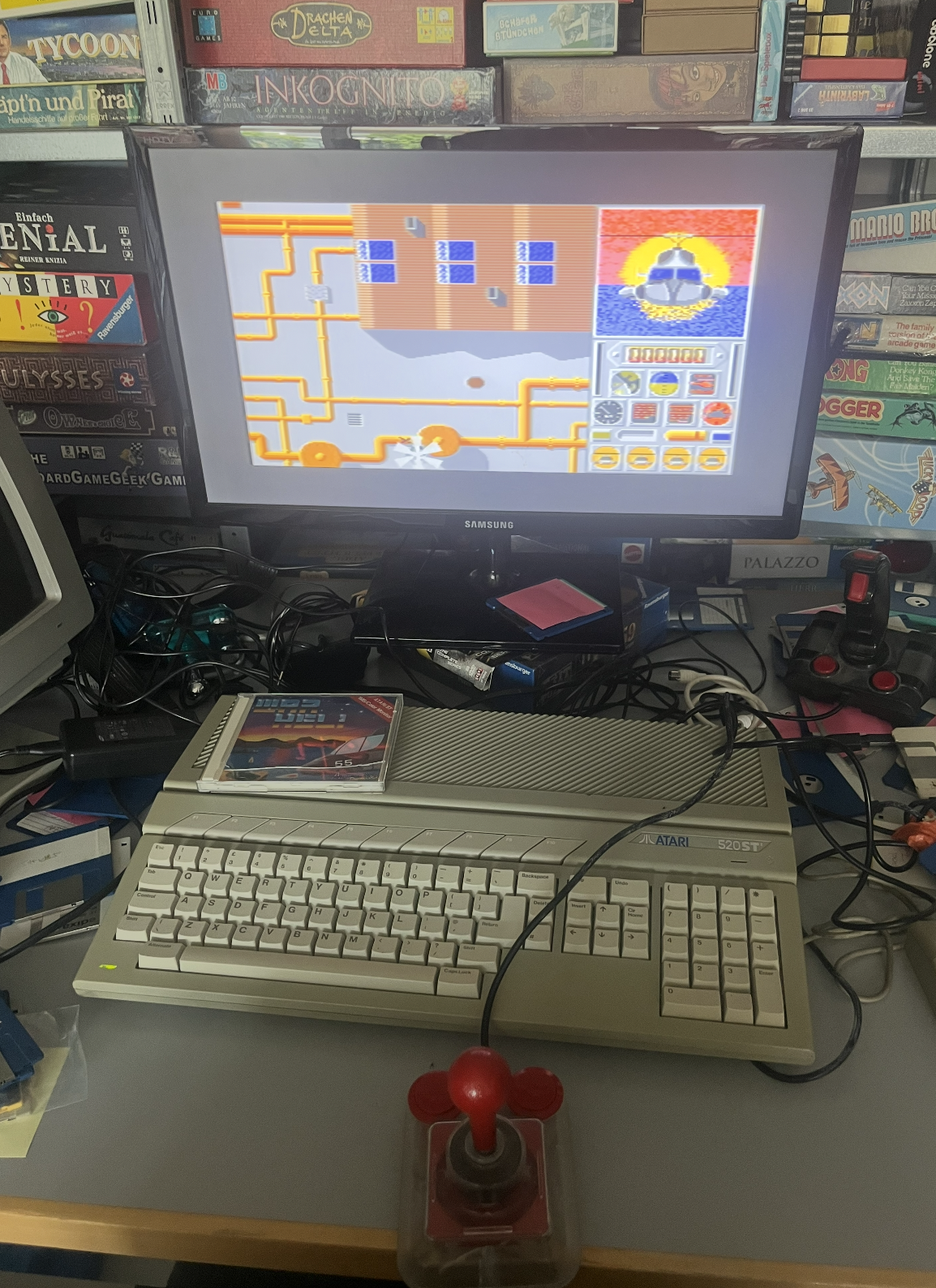
Folgender Text entstand dabei, als H. Kato und R. Bauer sich an einen Atari ST setzten im Gamelab der ZHdK. und War Heli spielten auf einem Orginal Atari ST(E).
Name: WarHeli
System: Atari ST
Entwicklungsplatform Atari ST
Release: 1987
Entwickler: Matthias Heubi; Matthias Kohler und andere
Besonderheiten: unter anderem guter CrackSchutz.
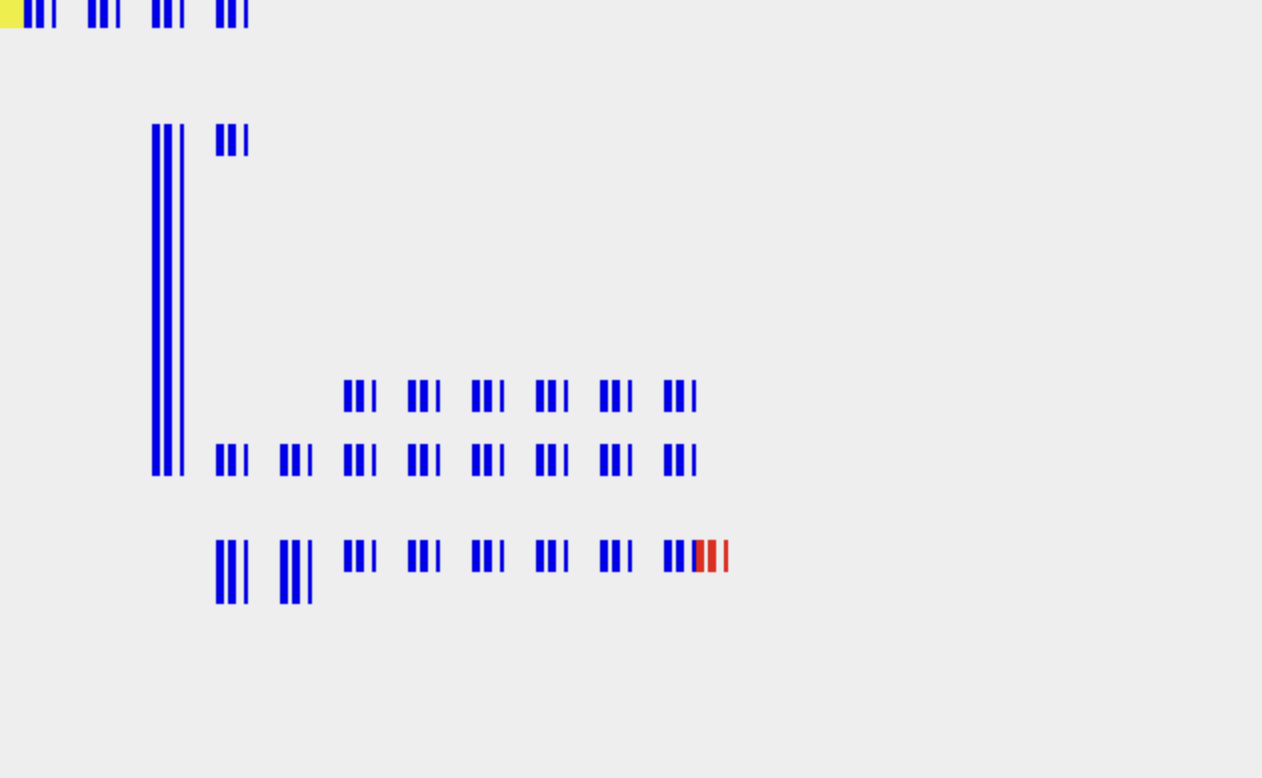
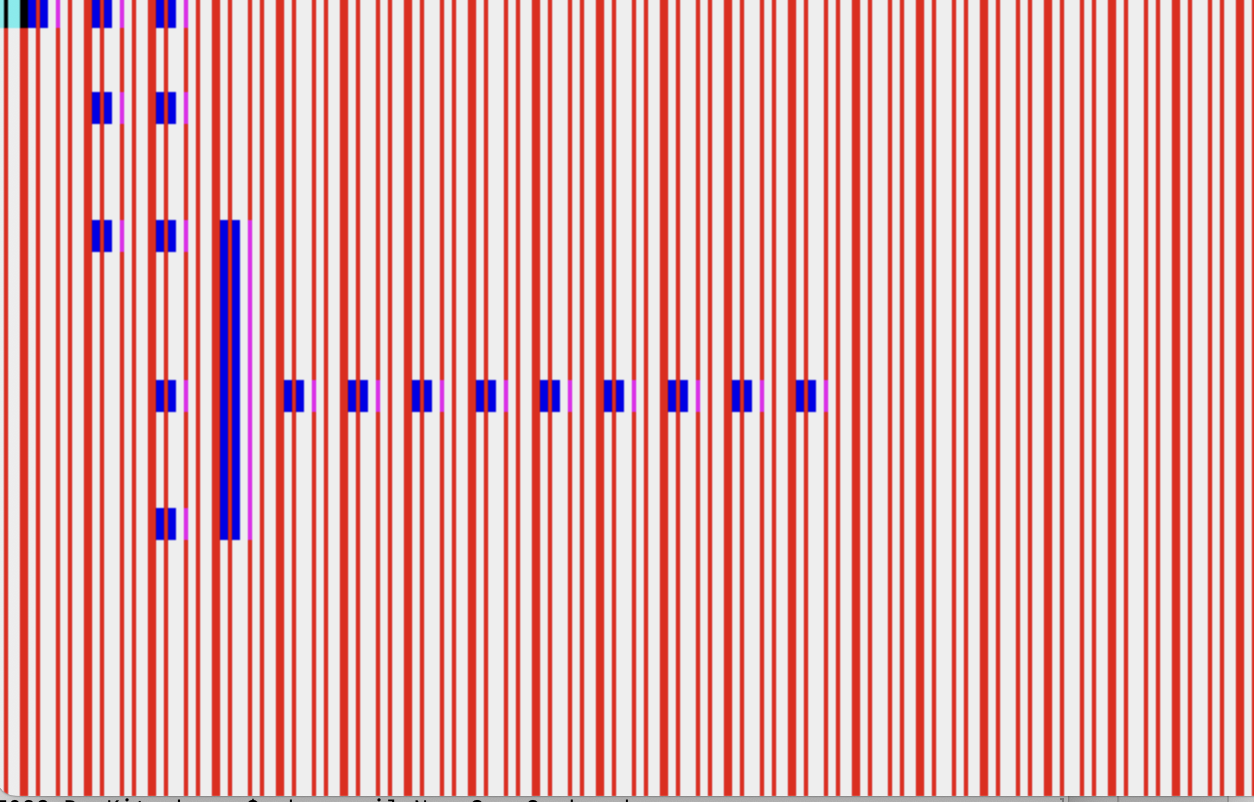
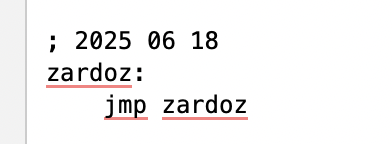
Einige Bilder aus dem Entwicklungsprozess. Es geht hier darum, wie man den Hintergrund des Spiels am einfachsten löschen kann. Das Problem sind dabei, dass eine Linie in Bytes mit je 8 Pixeln aufgeteilt ist und jeweils 4 Bytes für eine Linie mit 16 Farben ‚codiert‘ (BitPlanes). Und hier wird versucht mit möglichst wenig aufwand den Screen im Memory zu löschen bzw. nur eine Plane zu löschen und so schnell wie möglich..
Dinge, die Devs an den Rand – bzw. Tage kosten können (weil einfach nicht an sowas denkt, sondern an den eigenen Fehler) – bringen können. https://freemint.github.io/tos.hyp/en/VT_52_terminal.html#Goto_pos
| Name: | »Set cursor position« – Position the cursor. |
| Declaration: | #define Goto_pos(x,y) (Cconws(„\33Y“),Cconout(‚ ‚+y),Cconout(‚ ‚+x)) |
| Description: | With ‚Set cursor position‘ one can position the cursor in the x-th line and y-th column. Please note that the count starts at 32 (the screen has coordinates (32,32) at the upper left of the screen). That is why 32 (spaces) were added in the above macro, so that the count can start at 0 when using the macro. |
| See also: | Escape sequences VT-52 terminal |
Wenn man nur 32 bytes header möchte für ein TOS Programm
vasmm68k_mot lineracernanogame.s -Felf -o lineracernanogame.elf
vlink lineracernanogame.elf -s -b ataritos -o LINERACERGAME.TOS